01Select the presentation format
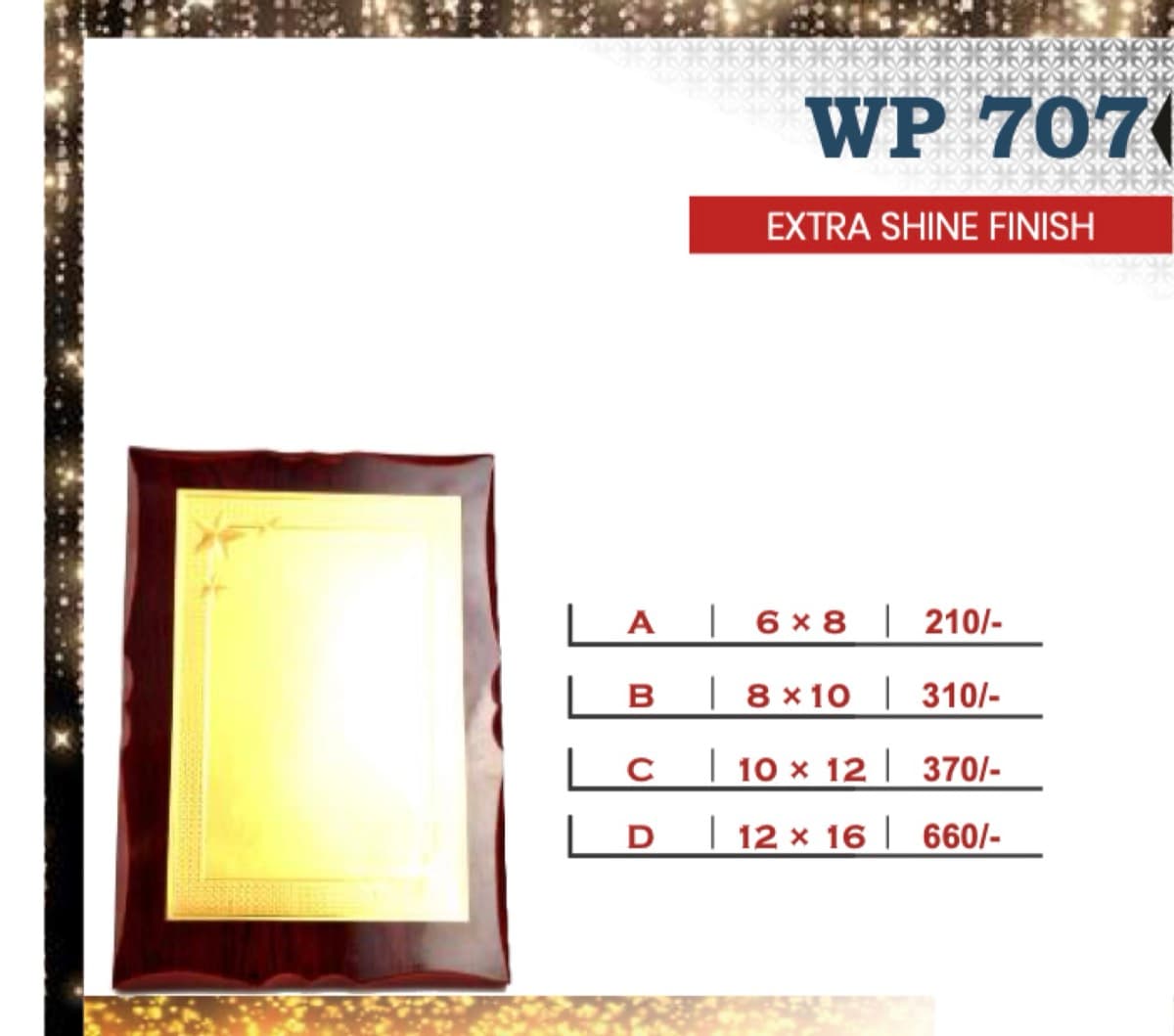
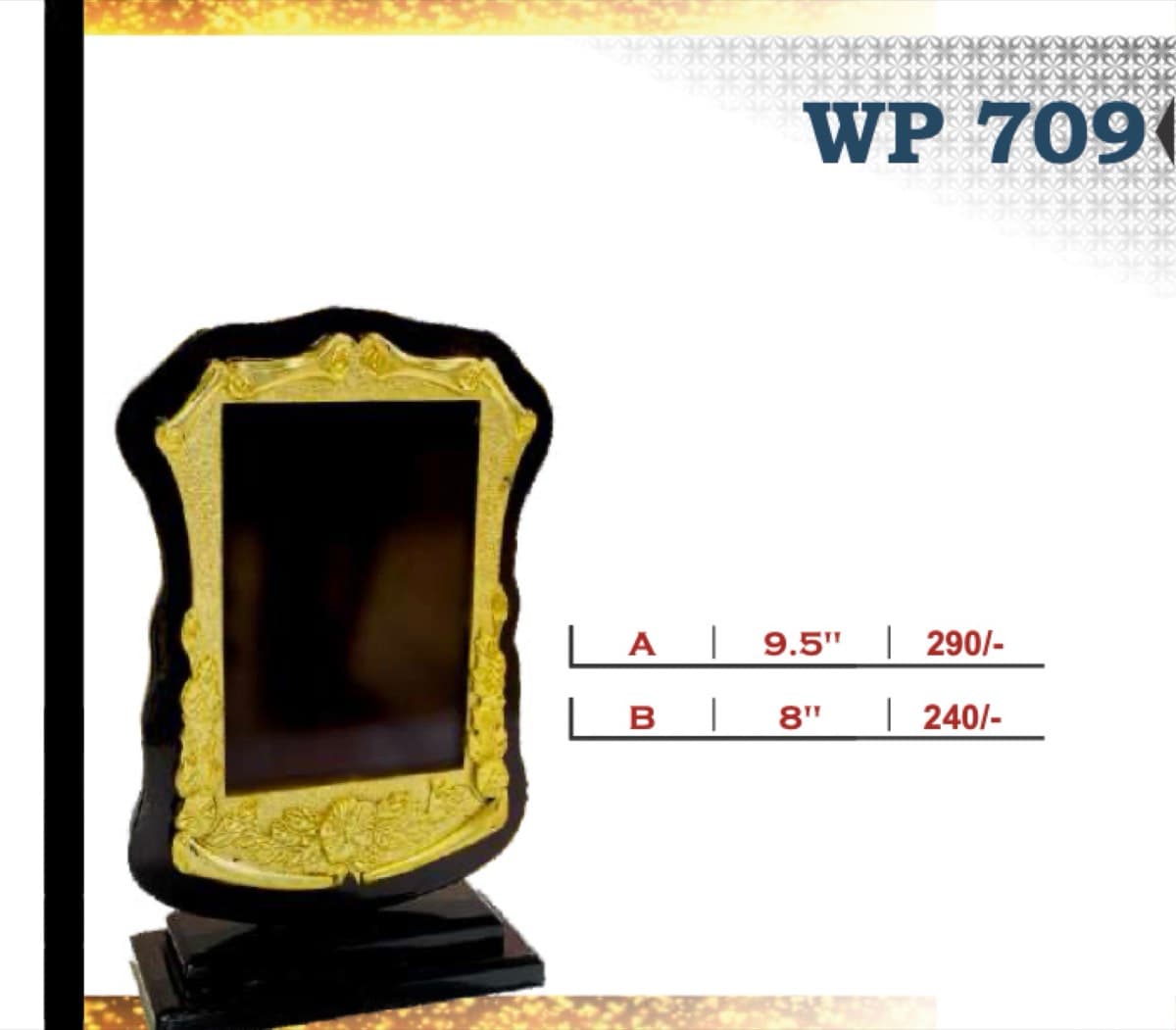
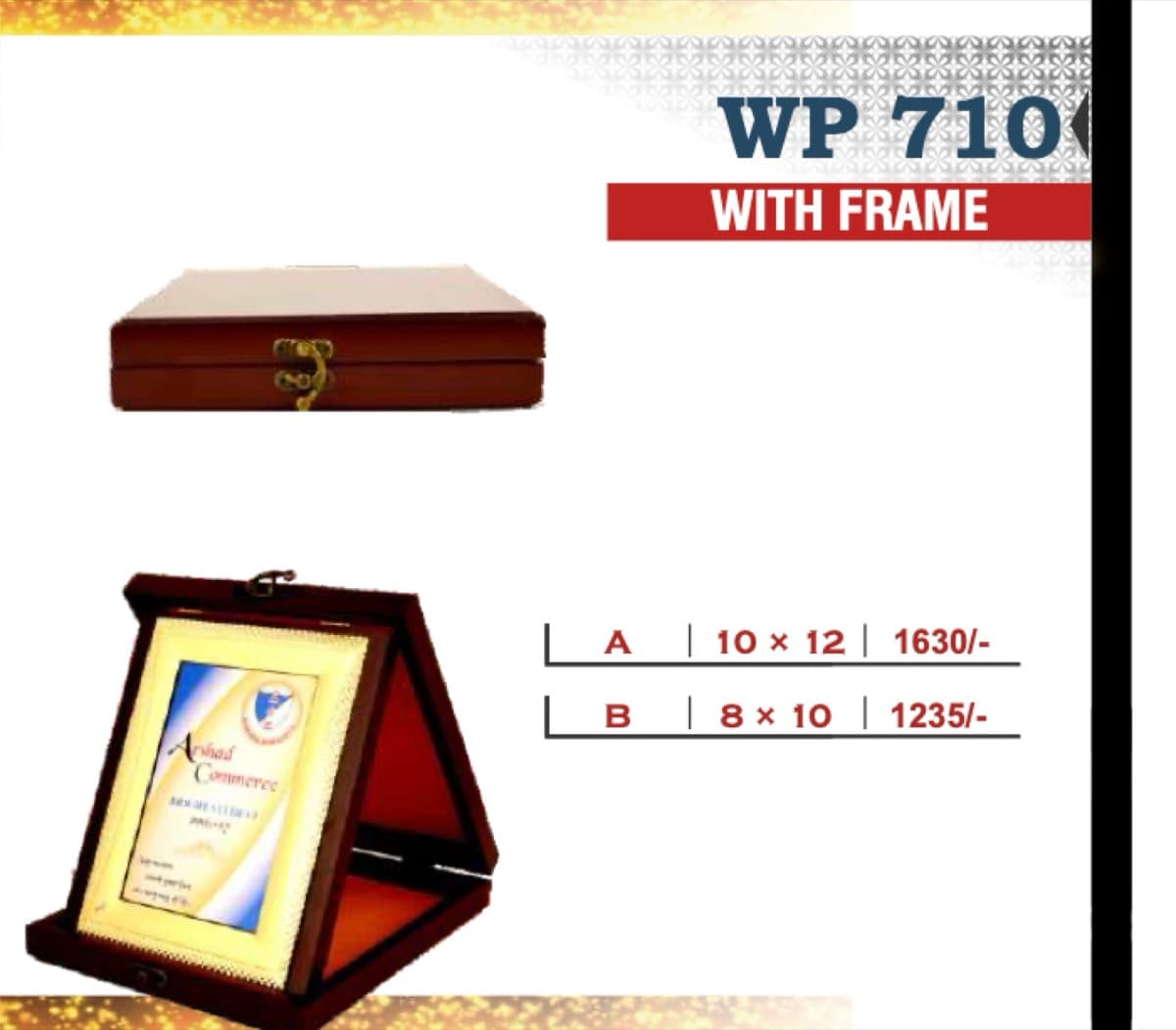
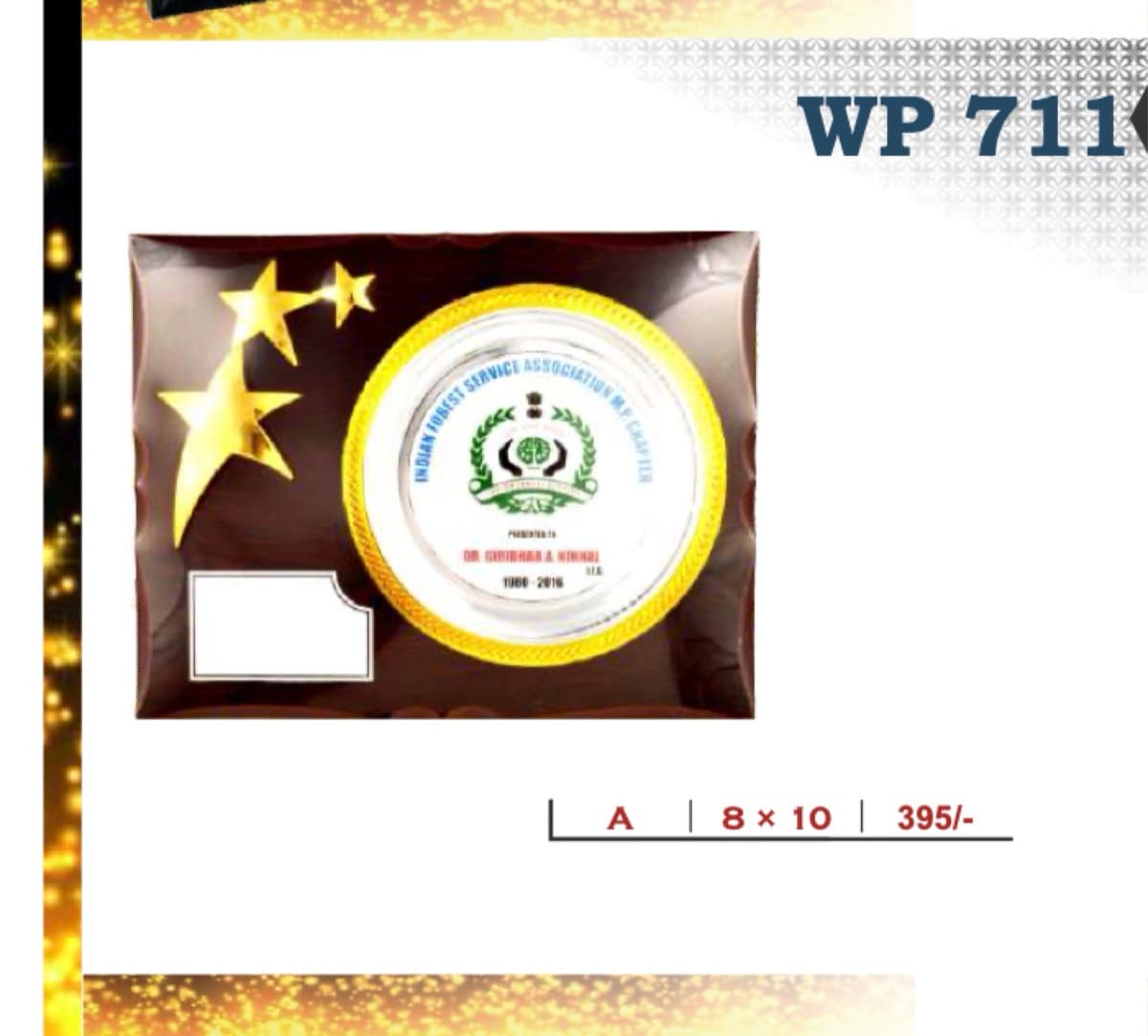
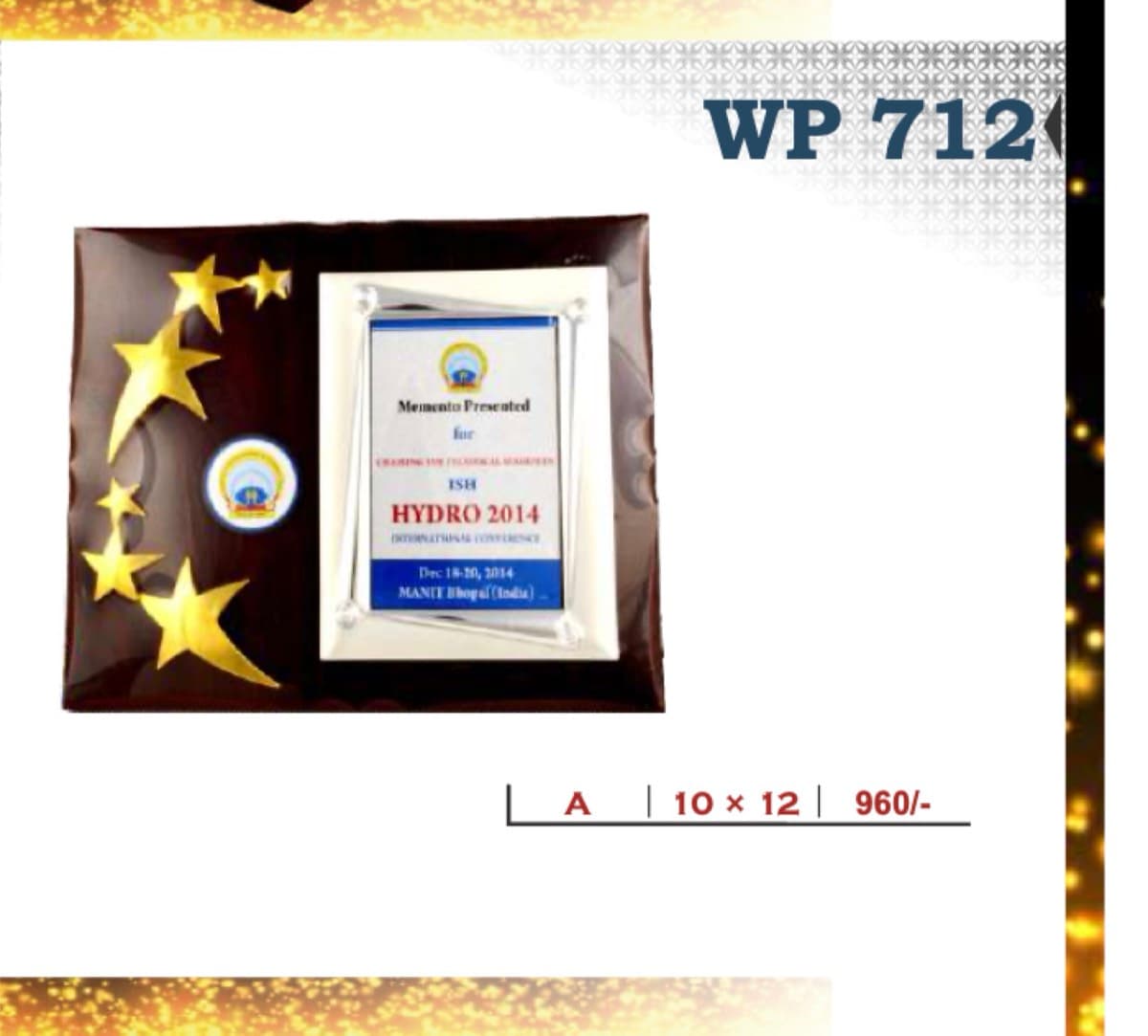
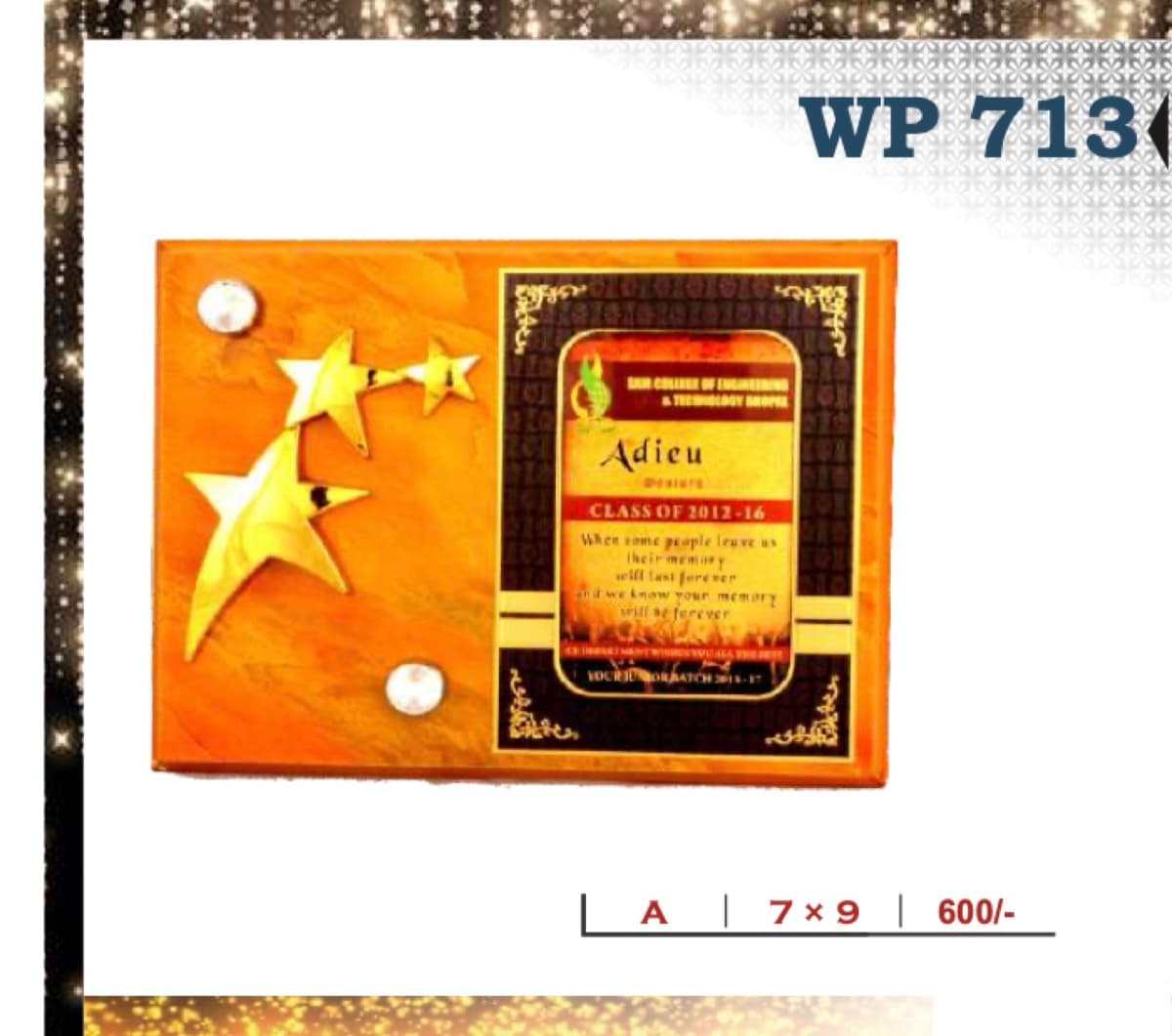
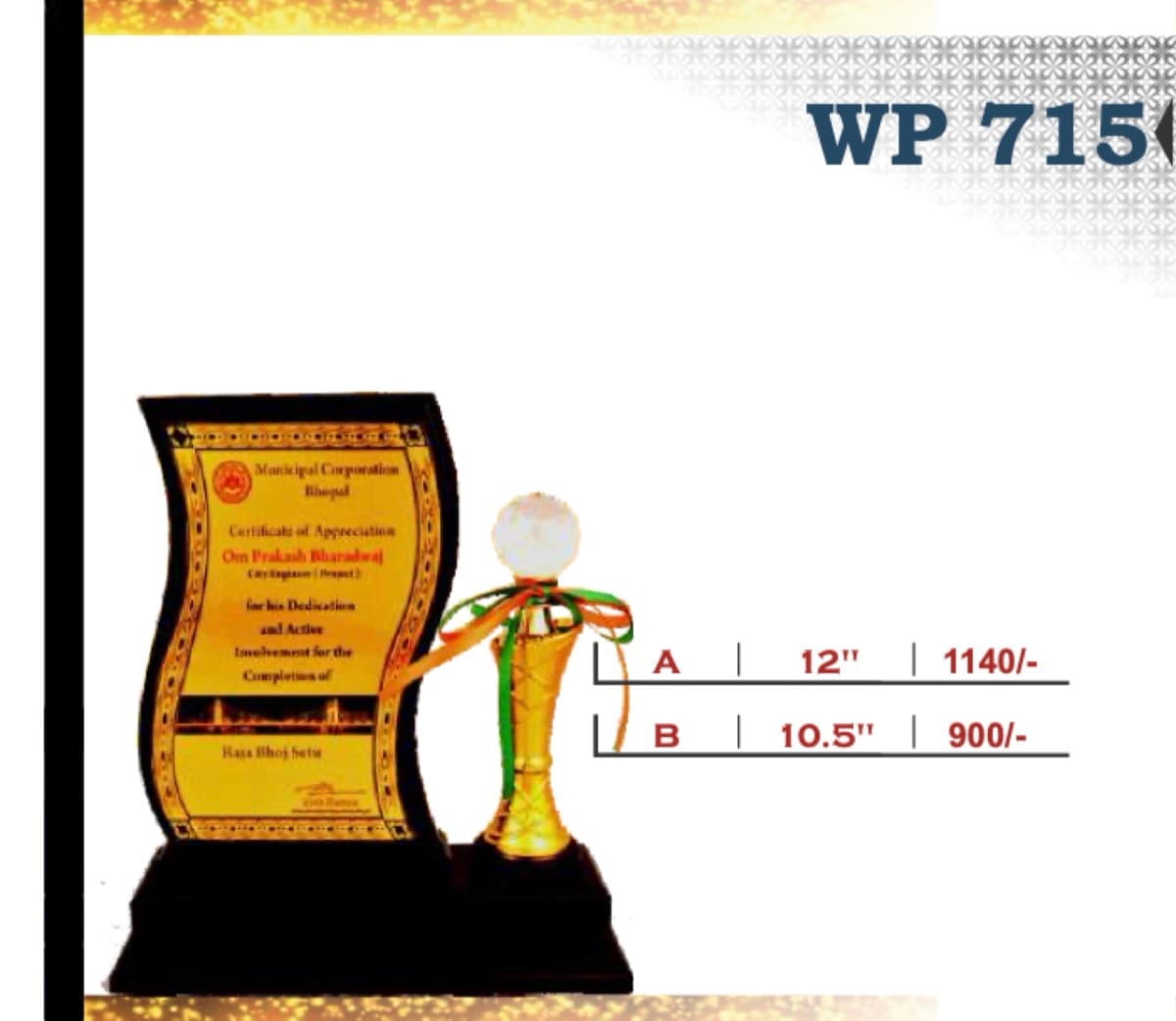
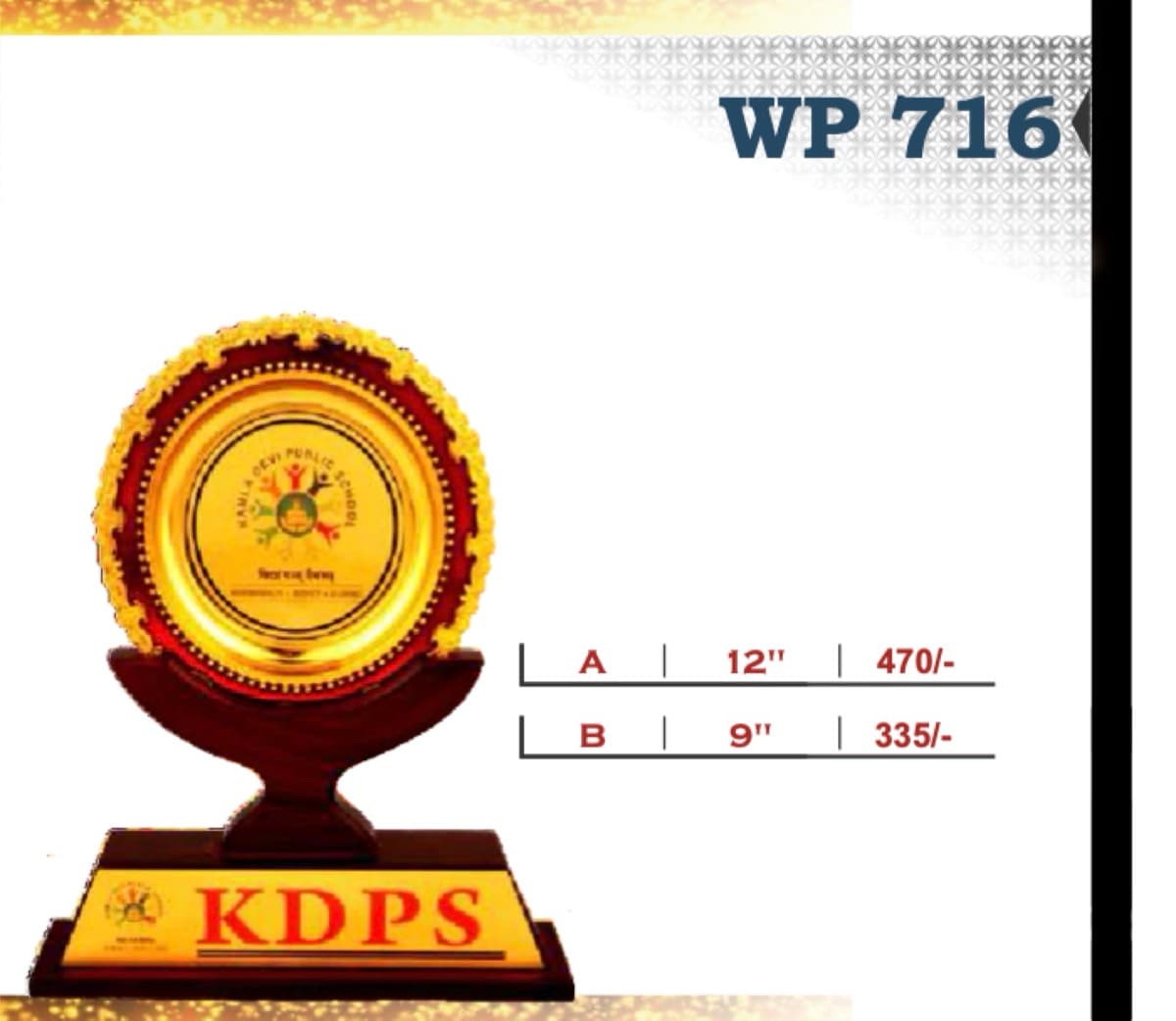
Wooden awards can work as desk pieces, wall plaques or framed presentations, and the verified collection contains multiple formats. Begin by deciding how the recipient is likely to display the award. The source catalogue includes rectangular dimensions such as 6 × 8, 8 × 10, 10 × 12 and 12 × 16 on selected codes, while other products list overall heights in inches. Some entries are explicitly described as framed or made with a metal frame. Open the individual product page to distinguish the format before comparing decorative treatments or price lines.
02Compare size and finish together
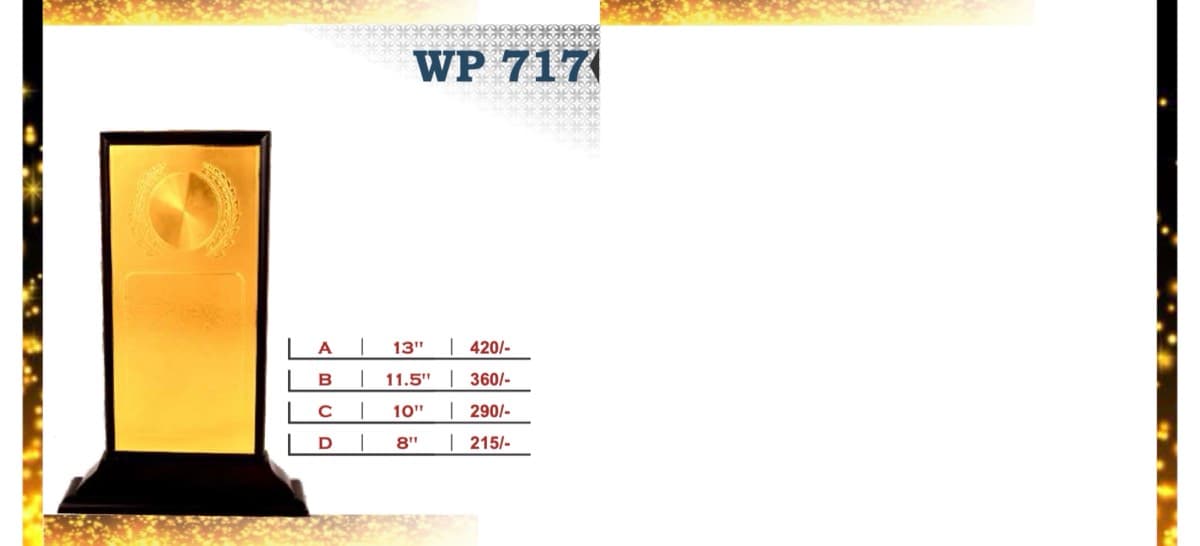
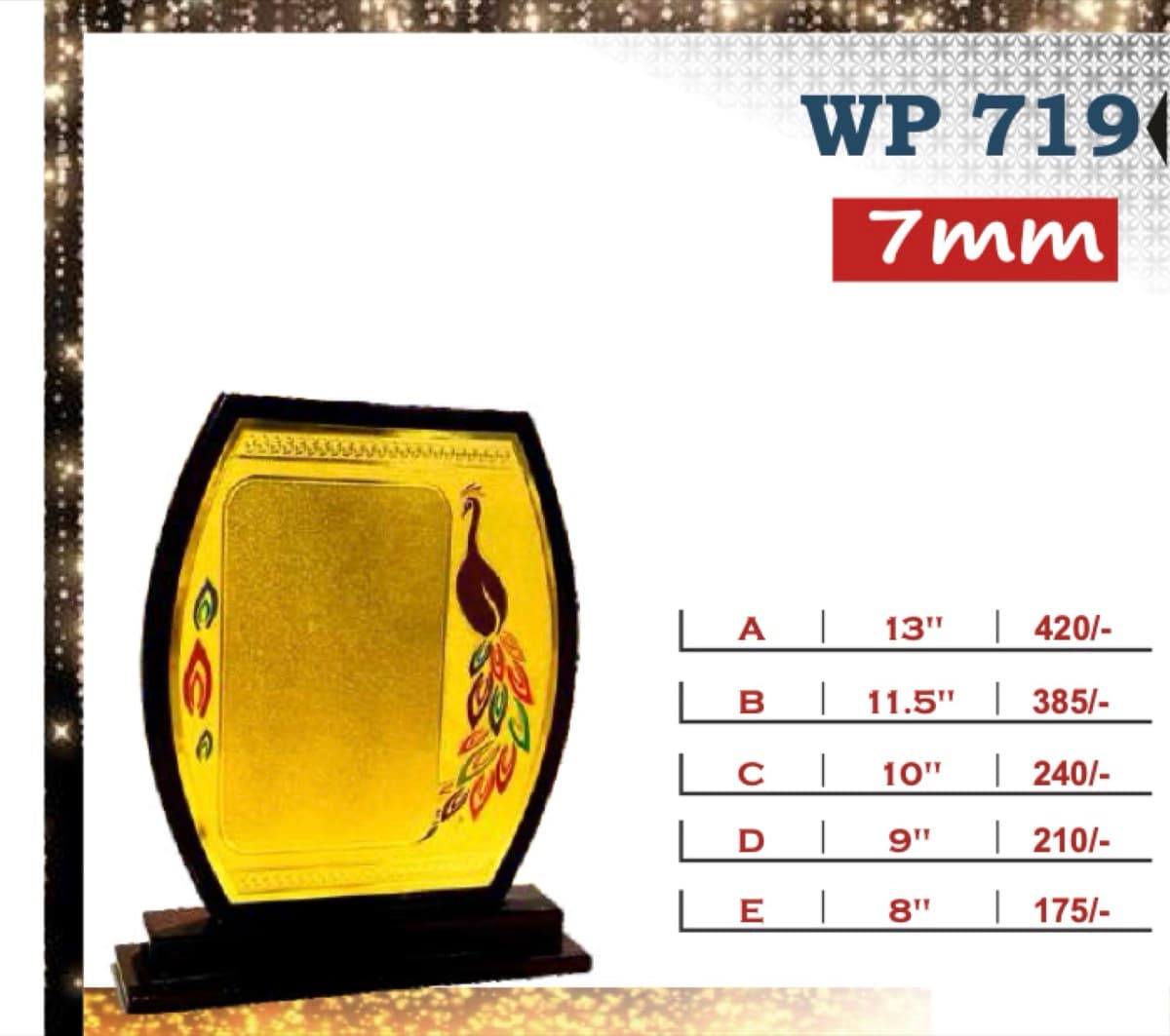
A larger dimension is only one part of the selection. The catalogue includes finish descriptions such as extra shine, alongside metal, foil and framed treatments represented across the collection. Each code may offer several lettered size variants, and the exact measurements differ between products. Compare the image with the specification lines rather than transferring the dimensions from one code to another. For a series of service awards or academic honours, selecting one design with several sizes can create a consistent family. For a commemorative presentation, a single larger format may be the clearer shortlist.
03Prepare the custom message
Custom engraving is listed for this collection, and each wooden award includes a decorative face with a custom message plate at collection level. Before submitting an enquiry, organise the recipient name, recognition title, organisation or event name and any date that must appear. Confirm the final text only after the exact product code and size have been chosen, because the available message area can vary by design. If several awards share one programme, maintain a consistent wording structure and provide a separate checked line for every recipient to reduce ambiguity during follow-up.
04Use the directory for full coverage
The verified wooden-award catalogue contains 191 product pages drawn from source pages 2 through 33. This category displays up to 12 image cards as a visual introduction and then provides a compact link for every code, including products beyond the featured set. Search the directory by known code or open several candidates to compare dimensions and finish descriptions side by side. When enquiring, share the product code, chosen size variant, quantity, message requirements and timeline. Keeping those decisions separate makes it easier to compare alternatives without losing the exact catalogue specification. It also keeps recipient wording distinct from the physical award selection.